The practical answer
Auto-cancelled delivery orders and jumbled app menus often trace to a few causes: orders that never get confirmed, menu items or modifiers that no longer match POS records, hours and availability out of sync, a device or network that dropped, or two connections fighting over one menu. Export each platform's cancellation report, group cancellations by reason and time, and fix the largest group first, often for free. Consider middleware only if what remains is a menu-management or multi-app problem it actually solves, and escalate with order IDs and timestamps to whichever vendor built the connection.
What owners report, and why it is hard to pin down
Three short owner posts show the range. One owner reported that Uber Eats orders were being auto-cancelled through a Clover POS integration. Another said a Square and Uber Eats integration would not let them organize categories and items the way they wanted, alongside poor app reviews. A new quick-service owner asked whether anyone used middleware such as Cuboh, Otter, ItsaCheckmate or Deliverect with Square to manage three delivery apps. We have only search excerpts of these threads, so we do not know how each was resolved, and naming a product here is not a judgment of it.
These problems are hard to diagnose because three parties are involved: the delivery platform, the POS company, and whoever built the connection between them, which may be one of the two or a third company. Each sees only its own part, and each support desk can honestly say its system is working. The way through is to collect evidence that shows exactly where an order stopped.
Five failure patterns behind most symptoms
Integrations differ by platform and POS, and their behavior changes with updates, so check current documentation for yours. The patterns below are common across many setups and give you a vocabulary for support calls.
| Symptom | Possible cause | First check |
|---|---|---|
| Orders cancel a few minutes after arriving | Order not confirmed in time, because the integration failed to post it to the POS or nobody accepted it | Cancellation reason codes and timestamps; was the POS or tablet online? |
| Specific items always fail or cancel | App item or modifier no longer matches a POS item ID, often after an item was deleted and recreated | Remap or resync the menu; test-order the item |
| Orders arrive with missing modifiers or wrong prices | Modifier group rules or prices differ between POS and app | Compare required and optional modifier settings item by item |
| Orders arrive when closed, or the store shows closed while open | Hours, holiday hours or a paused store out of sync | Hours in each platform versus POS; who controls them? |
| Menu categories scrambled or reordered | The integration publishes POS categories as they are, or two tools are both editing the app menu | Which system is the source of truth for the menu? |
Sort cancellations by cause before changing anything
Every major platform gives merchants some form of order or cancellation history. Export at least two to four weeks, for every app you use, into one spreadsheet. For each cancelled order note the date and time, the reason code if provided, the items, whether the order ever appeared on the POS or tablet, and who cancelled it: the guest, the platform, or your side. Then group the rows by reason and by time of day.
Patterns appear quickly. Cancellations clustered in one time window suggest a device, network or staffing gap. Cancellations tied to the same few items suggest mapping. Cancellations spread evenly with a guest-initiated reason may not be an integration problem at all. Resist fixing everything at once. Fix the largest group, run a test order, and watch the next week's report.
Menu mapping hygiene that prevents most item failures
Most item-level failures come from small changes on the POS side that break the link to the app. Deleting an item and creating a new one with the same name usually gives it a new internal ID, which the integration may not recognize. Renaming modifier groups, changing a modifier from optional to required, or adding a size option can all break orders for that item. The fix is a routine, not a one-time cleanup.
Decide which system owns the menu and make every change there. If the POS is the source of truth, edit items and modifiers only in the POS, then trigger the integration's menu sync and check each app. If you use middleware, it usually becomes the menu source, and editing the app menu directly can be overwritten at the next sync. Keep delivery-specific items, such as packaged sauces or family packs, clearly named so staff do not delete them thinking they are duplicates. After any change, place a real test order for each changed item on each app and void it.
- One owner of the menu: POS, middleware or the app, never several
- Edit items rather than deleting and recreating them
- Change modifier rules deliberately and resync afterward
- Test-order every changed item on every app
- Keep a dated change log so a new failure can be matched to the change that caused it
Hours, availability and the device on the counter
Several failure types have nothing to do with software logic. Store hours set in one place and holiday hours in another can let orders arrive after the kitchen closes, which staff then cancel. A paused store that someone forgot to unpause looks like an outage. Items marked out of stock in the POS may not update the apps if sync is not enabled for availability.
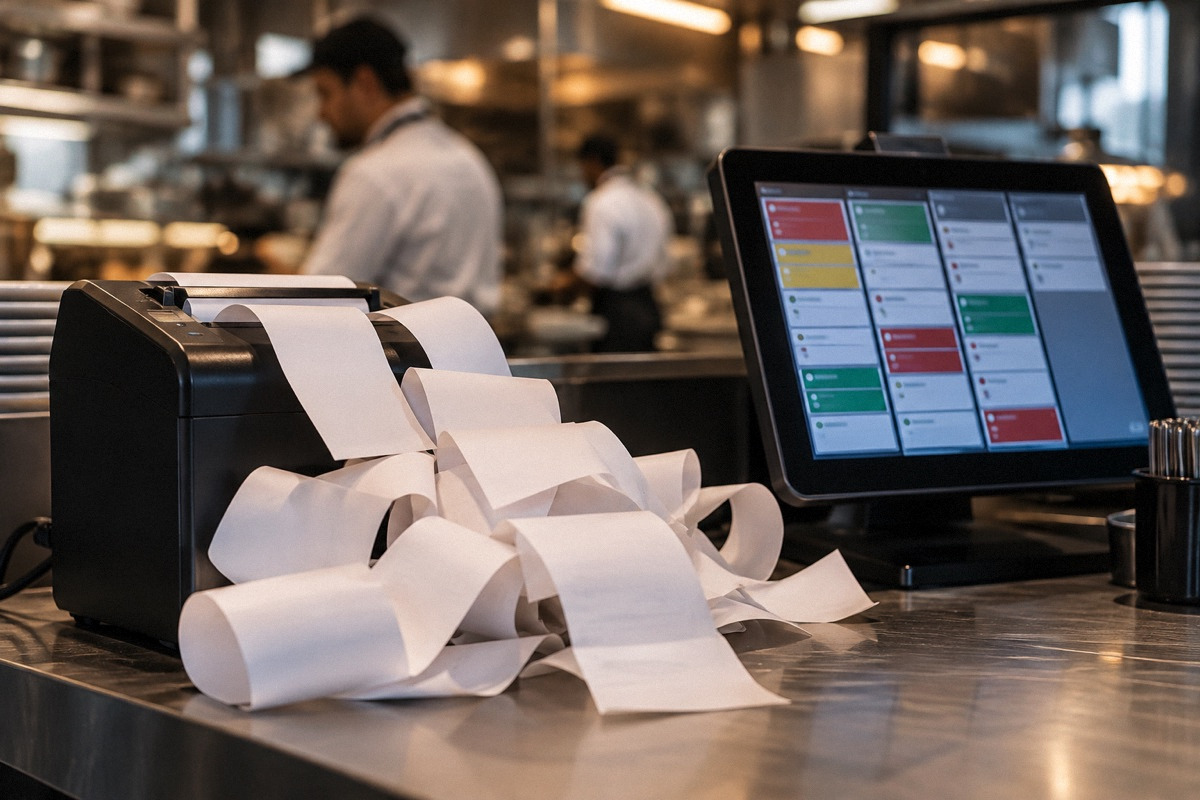
The physical setup matters too. A tablet on a weak Wi-Fi signal, a POS terminal that restarts for updates during service, or a printer that runs out of paper can all leave orders unconfirmed. If your cancellations cluster at certain times, check whether the device was online then. A wired connection or a better access point can be a cheaper fix than any software change.
Direct integration or middleware?
A direct integration connects one app to your POS, typically built by the platform or the POS company. Middleware sits between several apps and the POS, letting you manage one menu, see orders in one place, and often control availability and hours across all apps at once. It adds a monthly cost and another company in the chain, which means one more support desk and one more possible point of failure.
Middleware makes the most sense when you run several apps, change menus often, want different menus or prices per channel, or need consolidated reporting. It makes less sense if you use one app, rarely change the menu, or if your cancellation analysis points to devices, staffing or hours, problems that middleware will not fix. Ask any vendor which POS and app versions they support, how menu sync works, who you call when an order fails, and what happens to orders if their service is down.
| Situation | Leans toward |
|---|---|
| One delivery app, stable menu | Direct integration, carefully maintained |
| Two or three apps, frequent menu changes | Middleware worth evaluating |
| Need separate delivery menu, prices or photos per app | Middleware or platform menu tools |
| Cancellations mostly from device or network outages | Fix hardware first; middleware will not help |
| POS has no direct integration with an app you need | Middleware or a separate tablet |
Hypothetical worked example: fix before you buy
All numbers here are hypothetical. A restaurant takes 1,400 app orders a month and sees 3.5% cancelled, or 49 orders. At an average order of $32 that is $1,568 in lost sales, and at a contribution of $9 per app order, $441 in lost contribution, before any effect on ratings. A middleware vendor quotes $150 a month and suggests cancellations would fall to 1%.
Sorting the 49 cancellations shows 30 were never confirmed, 10 failed on two specific items, and 9 were cancelled by guests. Of the 30, 22 happened during a two-hour weekend window when the counter tablet kept dropping Wi-Fi. Moving the tablet to a wired connection and remapping the two items addresses 32 cancellations (22 plus 10) at almost no cost, worth about $288 a month in contribution (32 times $9). Guest cancellations are not an integration problem. That leaves 8 unexplained timeouts. Middleware might still be worthwhile if the restaurant adds more apps, but its value should be judged on that, not on the original 3.5%.
Escalating support so someone owns the problem
When you contact support, bring evidence rather than a description. List specific order numbers with timestamps, the app, the reason code, whether the order reached the POS, and screenshots. Ask first who built and maintains the integration, then open a ticket with that party and record the ticket number. If they point to the other side, open a ticket there too and give each the other's ticket number so they can coordinate. Ask whether integration logs exist for the failed orders.
Check your agreements for how cancellations caused by technical failures are treated, and ask the platform whether adjustments are possible for orders that failed on its side; the answer depends on your contract and the cause. Keep your cancellation spreadsheet running weekly. It is the record that shows whether a fix worked, and it is the evidence you need if a provider's problem continues.
- Weekly cancellation export from every app, sorted by reason and time
- Test order after every menu change and every software update
- Device online status checked at opening
- Change log of menu edits with dates
- Ticket numbers from each vendor, cross-referenced
Questions that come up next
Why are my Uber Eats or DoorDash orders auto-cancelling through my POS?
Common causes are orders that never get confirmed because the integration or tablet failed, menu items or modifiers that no longer match POS records, and hours or availability out of sync. Export the platform's cancellation history, group cancellations by reason and time, and fix the largest group first. Then escalate with order numbers to whoever built the integration.
Do I need middleware like Otter or Deliverect?
Not necessarily. Middleware tends to help when you run several delivery apps, change menus often or need different menus per channel. It will not fix device, network or staffing problems. Analyze your cancellations first, fix free causes, and then weigh the monthly cost against what remains. Ask the vendor who handles support when an order fails.
Sources & context
Forum accounts are unverified experiences. Read government sources for their stated jurisdiction and check requirements with the responsible authority for your location.
- Clover POS <> Uber Eats Integration (r/restaurantowners)reddit · Search excerpt only. An owner reports Uber Eats orders being auto-cancelled via the integration. The cause and resolution were not visible; no fault is attributed to either company.
- Square POS & UberEats App Integration (r/restaurantowners)reddit · Search excerpt only. An owner could not organize categories and items as wanted and mentions poor app reviews. One account; current product behavior may differ.
- Does anyone use Cuboh/Otter/ItsaCheckmate/Deliverect add-on's with their Square terminal for delivery? (r/restaurantowners)reddit · Search excerpt only. A new quick-service owner evaluating middleware for three delivery apps. Shows the decision; contains no verified product comparisons.


