
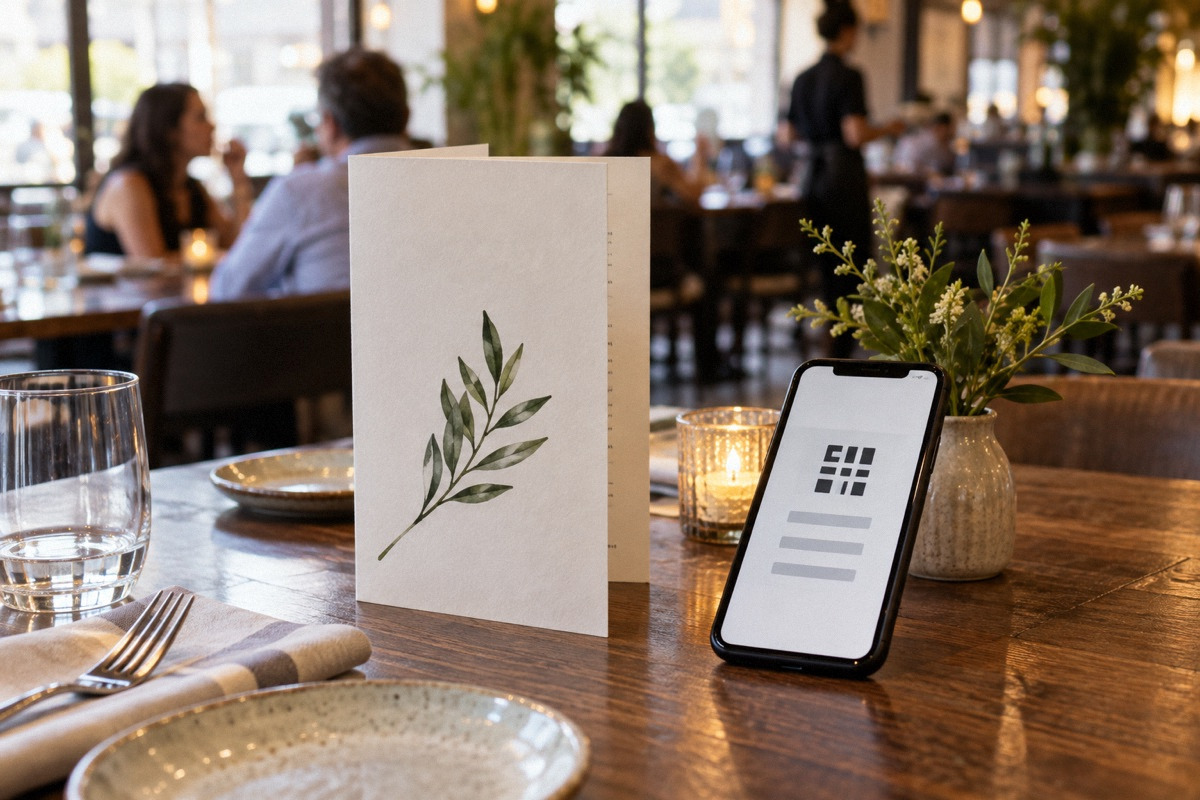
The practical answer
For most sit-down restaurants, QR-only is a risky way to save on printing. In the owner threads reviewed here, guests objected to small screens, multi-page PDFs, poor eyesight and dyslexia, phone use at the table, and dead batteries, and some said they would leave. QR codes earn their place as a supplement: for rotating beer lists, specials, coupon signups, takeout ordering, and counter-service venues with younger guests. Keep a readable printed menu, make the online menu a mobile web page rather than a PDF, and count scans and paper requests before deciding anything.
What guests and owners actually object to
When someone asked the restaurant-owner forum about setting up a QR code menu for their father's restaurant, most replies in our excerpt were negative. Commenters said they read a printed menu more easily than a phone, that they came to eat rather than look at a screen, and that a QR-only menu would send them elsewhere. One described QR menus as very hard to navigate with dyslexia or poor eyesight, workable only for a tiny menu but difficult across multiple pages. An owner whose customers are largely over 65 said they keep a QR code for the frequently changing beer list but still print beer menus because people cannot figure the code out.
A second thread, Online Restaurant Menus, showed a similar split. Some replies said QR works for quick-service places with younger guests. Others said anything else needs paper, that a QR-only menu reads as cost-cutting, and that the worst version makes the guest download a PDF designed for a printer. These are self-selected forum voices from search excerpts, not a survey of your guests. They are consistent enough, though, that the burden of proof should fall on going QR-only, not on keeping paper.
- Small text on small screens, especially for older guests or low vision
- Multi-page PDFs that need zooming and sideways scrolling
- Navigation difficulty for guests with dyslexia
- Phones at the table pulling attention from the meal and company
- No phone, a dead battery, or no signal and no guest Wi-Fi
- A sense that the restaurant is cutting corners
Often the real problem is the menu, not the medium
In the first thread, the motivation was a huge menu and an outdated website that still routed online orders by fax. Several replies made the same point: a QR code is just a link to a web page, so it inherits whatever is wrong with the page. One suggested that trimming the menu would do more for the kitchen, servers and guests than any technology. If your printed menu is expensive because it runs many pages and changes often, a shorter core menu with a separate specials sheet may cut printing more than QR codes would, without losing any guests.
Before choosing a format, ask what problem you are solving. Printing costs? Prices that change often? Laminated menus that look worn? Slow table turns? Each has a different best answer, and only some of them involve QR codes.
Where QR codes genuinely help
Owners in the threads described several uses that guests tolerate or like. In Using QR codes?, a bar with more than 20 rotating taps said a QR code linking to a live beer list beat paper lists that went out of date the day they were printed. Another put a QR code on the front of the menu for a coupon signup. One posted that QR codes on takeout menus let lunch customers order ahead. The common thread is that the QR code adds something paper cannot do well, such as live updates, a signup or an order, rather than replacing something paper does fine.
Service style matters. Counter-service and fast-casual guests are already looking at a menu board and often at their phones; a QR code for ordering ahead or browsing photos fits that flow. In table-service and fine dining, the menu is part of hospitality, and a server's explanation of dishes is part of what guests pay for. The same thread includes a guest who missed a paper menu at a small white-tablecloth restaurant whose QR menu was badly designed.
A hybrid setup by service style
Most operators can capture the benefits of QR codes without the backlash by deciding, for each part of the menu, whether paper or a link does the job better. The table below is a starting point to adapt, not a rule.
| Service style | Printed | QR code / online | Watch for |
|---|---|---|---|
| Counter service, quick service | Menu board and a takeout menu | Order-ahead link, photos, allergen details | Long lines when guests stop to scan at the counter |
| Casual table service | Core menu at every table | Specials, drinks that change often, signup | Servers should offer paper without being asked |
| Bar with rotating list | Short core list or house favorites | Live tap or bottle list | Low light makes small screens harder to read |
| Fine dining | Full printed menu | Optional: wine list detail or a post-meal link | QR at the table can undercut the experience |
| Patio or large venue | Printed menu available on request | Browsing and possibly ordering (see our order-and-pay article) | Weak cell signal outdoors |
Accessibility is a design requirement, not an afterthought
The complaints about eyesight and dyslexia point to a wider issue. The US Department of Justice's guidance on web accessibility and the ADA (March 2022), a federal guidance document, explains that Title III of the Americans with Disabilities Act prohibits discrimination against people with disabilities by businesses open to the public, and lists common website barriers including poor color contrast, text that cannot be resized, and images without text alternatives. The page also says businesses can currently choose how they make online offerings accessible, points to WCAG as helpful guidance rather than a mandated standard, and states that guidance documents on the site have no legally binding effect. It does not address restaurant QR menus specifically, and whether any particular menu creates legal exposure is a question for a lawyer, not this article.
Practically, keep a printed menu for anyone who wants one, offer a large-print version if your guests skew older, and make the online version readable: real text rather than an image of text, good contrast, resizable fonts, and logical headings. A server who reads specials aloud and answers questions remains the most accessible menu of all.
Build a mobile menu page, not a PDF
The most consistent complaint across the threads was the PDF: a file designed for a printer, opened on a phone, requiring pinching, zooming and rotation. If you use QR codes at all, point them to a web page designed for a phone. It should load quickly on a weak connection, need no app download, show prices, group items into short sections with a jump list, and display allergen notes in text. Update it the same day prices change so it never disagrees with the printed menu.
Test it the way guests will. Try an older phone, the largest text setting, outdoor light, and the dining room's actual signal. If guests need guest Wi-Fi to load it, the network name and password must be easy to find.
- Mobile web page, not a PDF or image
- Loads quickly on weak signal; no app required
- Real text with good contrast and resizable fonts
- Short sections, a jump list, prices and allergen notes visible
- Matches the printed menu on prices and availability
- Code printed large enough to scan from a seat, with a short URL beneath
Hypothetical worked example: printing savings versus lost tables
All numbers here are hypothetical; use your own. A casual restaurant spends $1,200 a year reprinting menus. The owner estimates that a lost two-person table costs about $60 in contribution, meaning revenue minus food and other costs that rise with each order. Going QR-only would pay for itself only if it lost fewer than 20 tables a year ($1,200 divided by $60), which is fewer than one table every two weeks.
Given the walk-out comments in the threads, that is a thin margin. A middle option compares better: print a shorter one-page core menu, which might cut printing substantially, and move the frequently changing drink list and specials to a QR-linked page. If that halves the print bill to $600, it saves $600 a year while keeping paper on every table. The owner then needs to lose only 10 or more tables a year to QR-only for the hybrid to be the better choice ($600 divided by $60), and avoids the reputational risk altogether.
Measure usage before deciding
Opinions about QR codes are strong, so collect your own data. Give each QR placement its own link, such as one for table tents, one for the takeout menu and one for the beer list, so your web analytics show scans by placement. Ask servers to tally, for two weeks, how many tables ask for paper, how many use the code, and any comments. Read reviews for mentions of menus. If almost nobody scans the table code, it is decoration. If the beer list link gets heavy use, expand that approach.
Keep the results, the date of any change, and before-and-after review themes. If you trial a QR-first table setup, do it on a limited section with paper readily offered, and end it quickly if paper requests or complaints stay high.
Questions that come up next
Do customers like QR code menus?
Some do, especially at quick-service venues and for frequently changing lists like rotating beers. In the owner threads reviewed here, many guests said they disliked QR-only menus, citing small screens, PDFs, eyesight, dyslexia and phone use at the table, and some said they would leave. Those are forum voices, not a survey. Offer paper, use QR as a supplement, and measure your own guests' behavior.
Is a PDF menu behind a QR code good enough?
Usually not. Guests in the threads specifically criticized printer-designed PDFs that require zooming and rotating on a phone. Use a mobile web page with real text, good contrast, resizable fonts and short sections. US Justice Department guidance lists unresizable text and poor contrast among common web accessibility barriers, so a readable page is both better service and more accessible.
Sources & context
Forum accounts are unverified experiences. Read government sources for their stated jurisdiction and check requirements with the responsible authority for your location.
- QR Code Menu? (r/restaurantowners)reddit · Substantial search excerpt including many comments. Guest-side objections (readability, eyesight, dyslexia, walking out), an owner with mostly older customers keeping printed beer menus, and advice to trim the menu. Self-selected forum opinions, not a survey.
- Online Restaurant Menus (r/restaurantowners)reddit · Search excerpt with comments. QR said to work for quick service with younger guests; others want paper; criticism of PDF-only menus; advice to do both. Opinions only.
- Using QR codes? (r/restaurantowners)reddit · Search excerpt with comments. Uses for rotating tap lists, coupon signup and takeout order-ahead; a guest disliked a QR-only menu at a small fine-dining restaurant. A tip-increase figure from a vendor in the thread is promotional and not used.
- Guidance on Web Accessibility and the ADA | U.S. Department of Justicegovernment · US federal guidance dated March 18, 2022, fetched 2026-10-03. States Title III covers businesses open to the public, lists common web barriers, treats WCAG as helpful rather than mandated, and says the guidance is not legally binding. Does not address restaurant QR menus specifically.


